Dumbbell Leg Workout at Home: Lower Body and Glutes
Try this dumbbell leg workout at home: goblet squats, Romanian deadlifts, reverse lunges, and calf raises for your legs and glutes, with sets, reps, and easier options.
Read articleAI-powered dumbbell workouts · iPhone & iPad
Dumbly is a dumbbell workout app for iPhone and iPad. Tell us your goal, experience, and how much time you have. You’ll get a plan you can follow at home with two dumbbells.
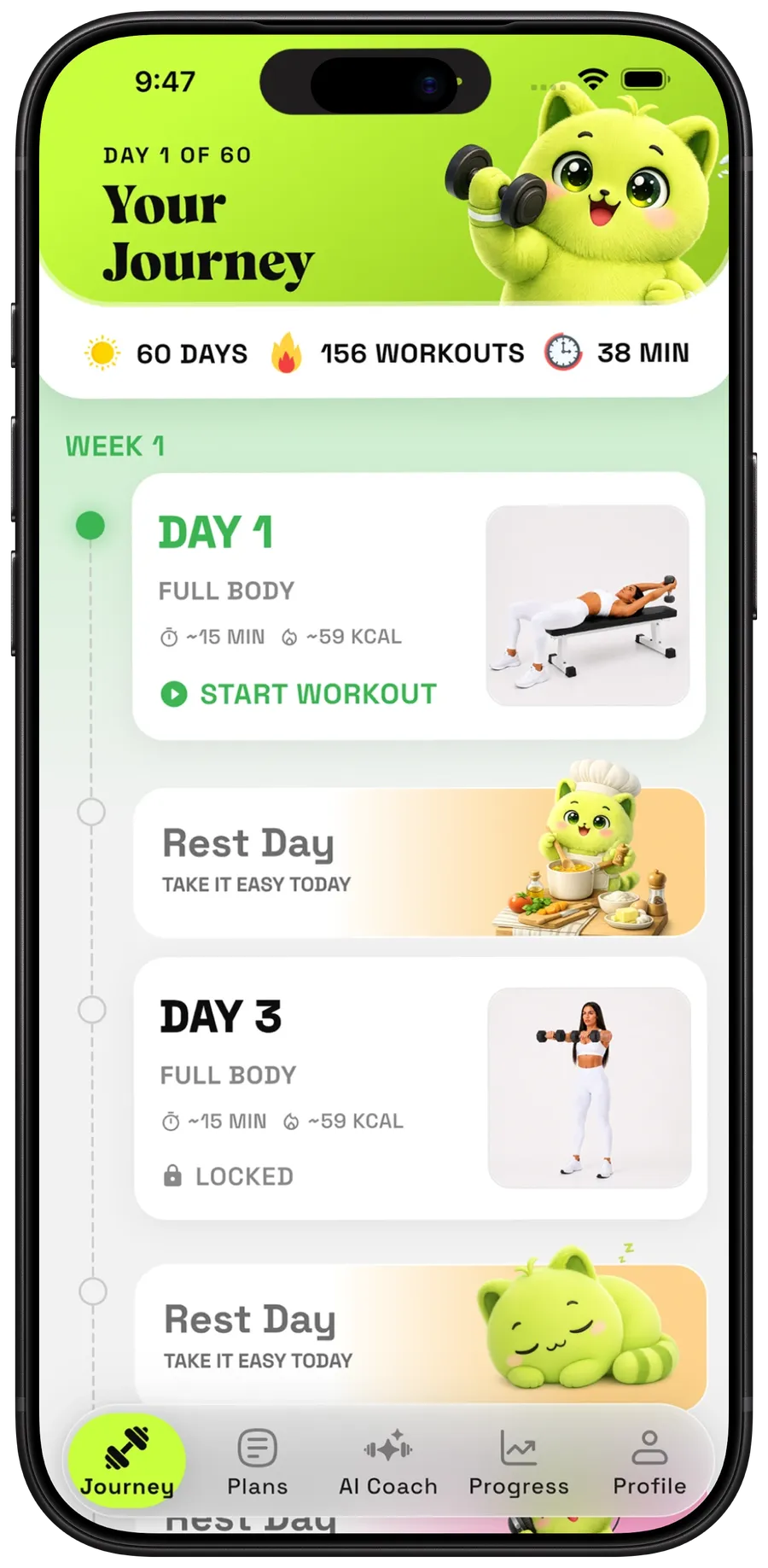
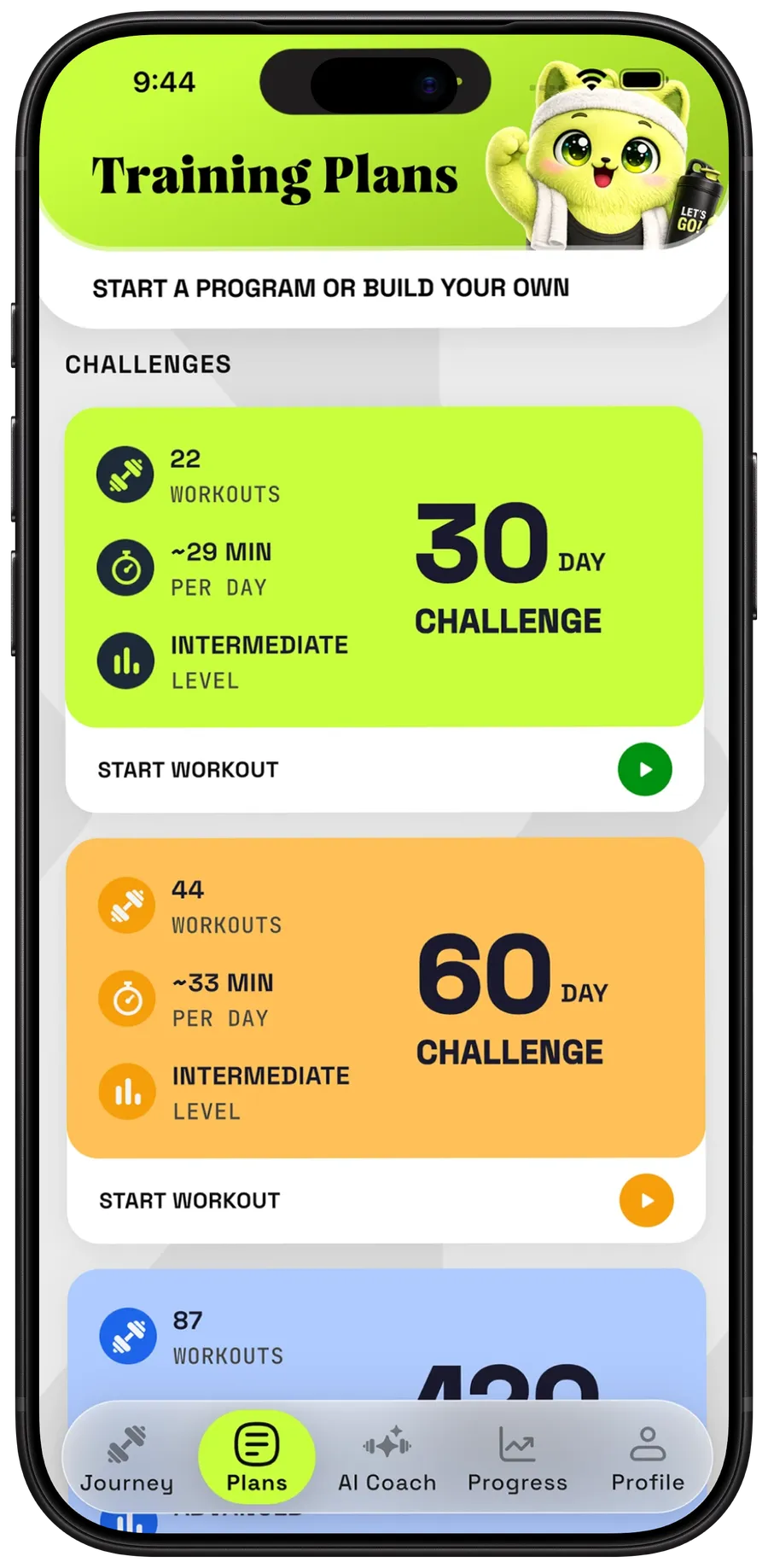
No gym or machines needed
Your plan starts at your level
You choose the session length
Follow workouts without a connection
See it in action
No gym, no machines. Tell Dumbly your goal, level and time, and it lays out a plan you can start today, with every exercise guided on video.

The two-dumbbell approach
You don't need a gym full of machines to get stronger. Dumbly builds every session around the two weights you already own, so the hardest part of training is deciding to start.

A pair of dumbbells slides under a bed or into a closet. Train in the space you already have.
Presses, rows, squats, hinges and core work all use the same two weights.
Add reps, slow the tempo, or move to a heavier pair when the current one feels easy.
No machines to adjust, no queue, no commute. Pick up the weights and press start.
Three steps from download to your first set. Dumbly handles the programming so you can spend your time on the workout itself.
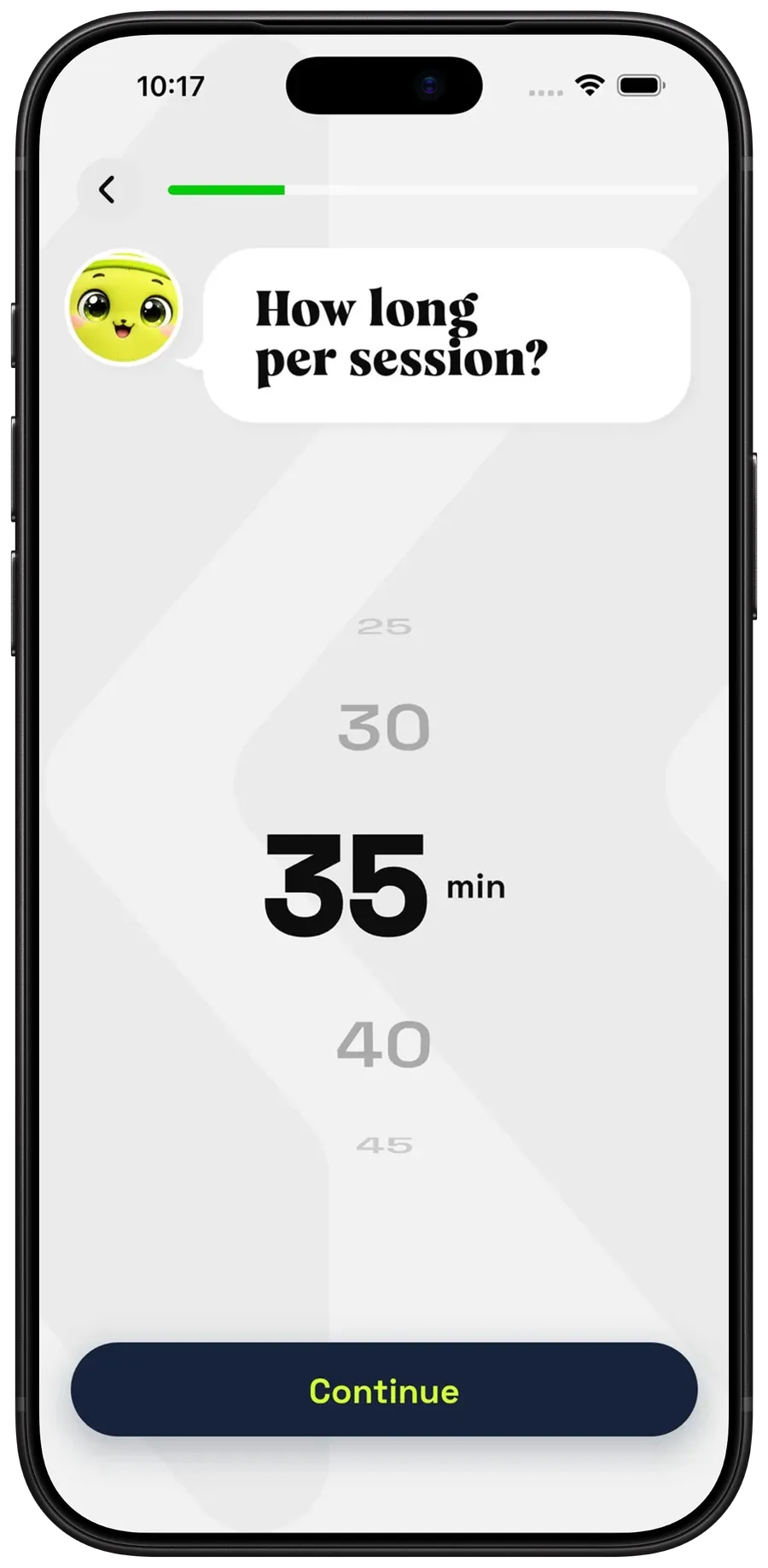
Step 1
Share what you want to work toward, your experience, and how much time you have per session.
Step 2
Dumbly lays out your workout days and rest days, so you always know what today looks like.
Step 3
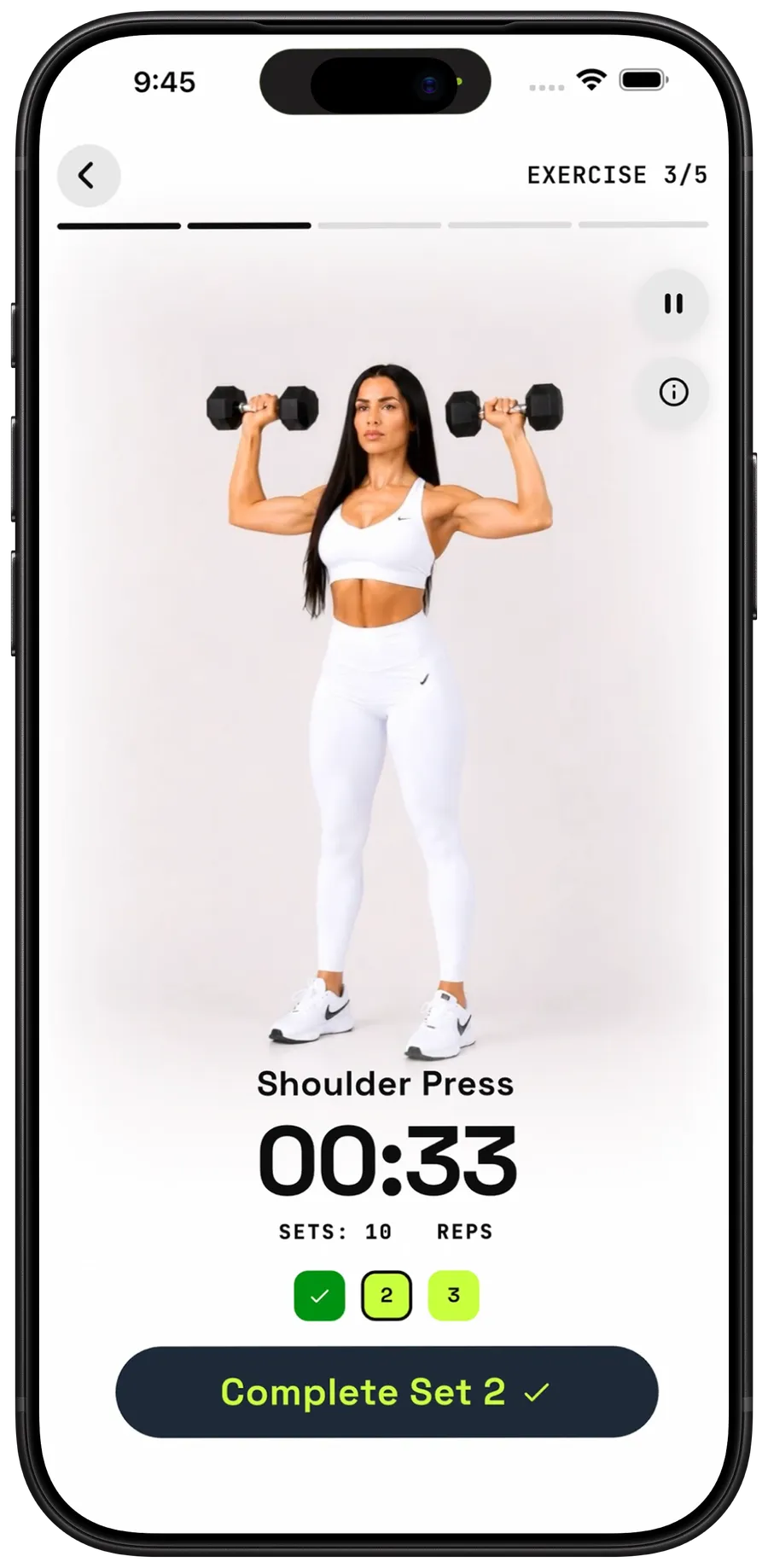
Follow each exercise with a demonstration, timer and set counter. Tap to complete each set.
Guided sessions
Every exercise opens with a clear demonstration, the number of sets and reps, and a timer. A progress bar shows where you are in the session, so you never lose your place between sets.
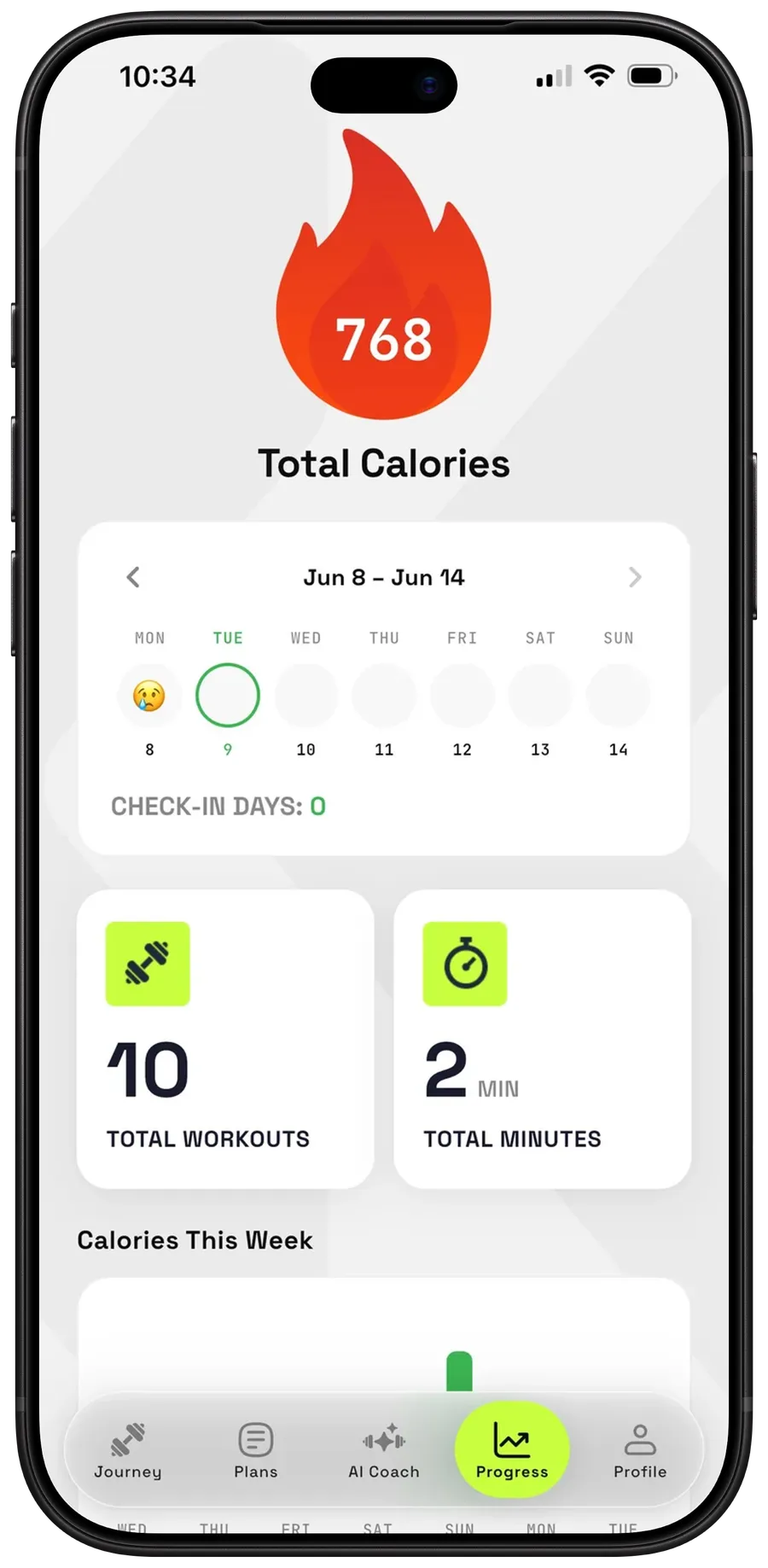
Walk through a workoutProgress tracking
Weights, reps and personal records, plus the workouts, minutes and check-in days that add up week by week. Looking back at a full week is often the push you need to keep going.
More on progress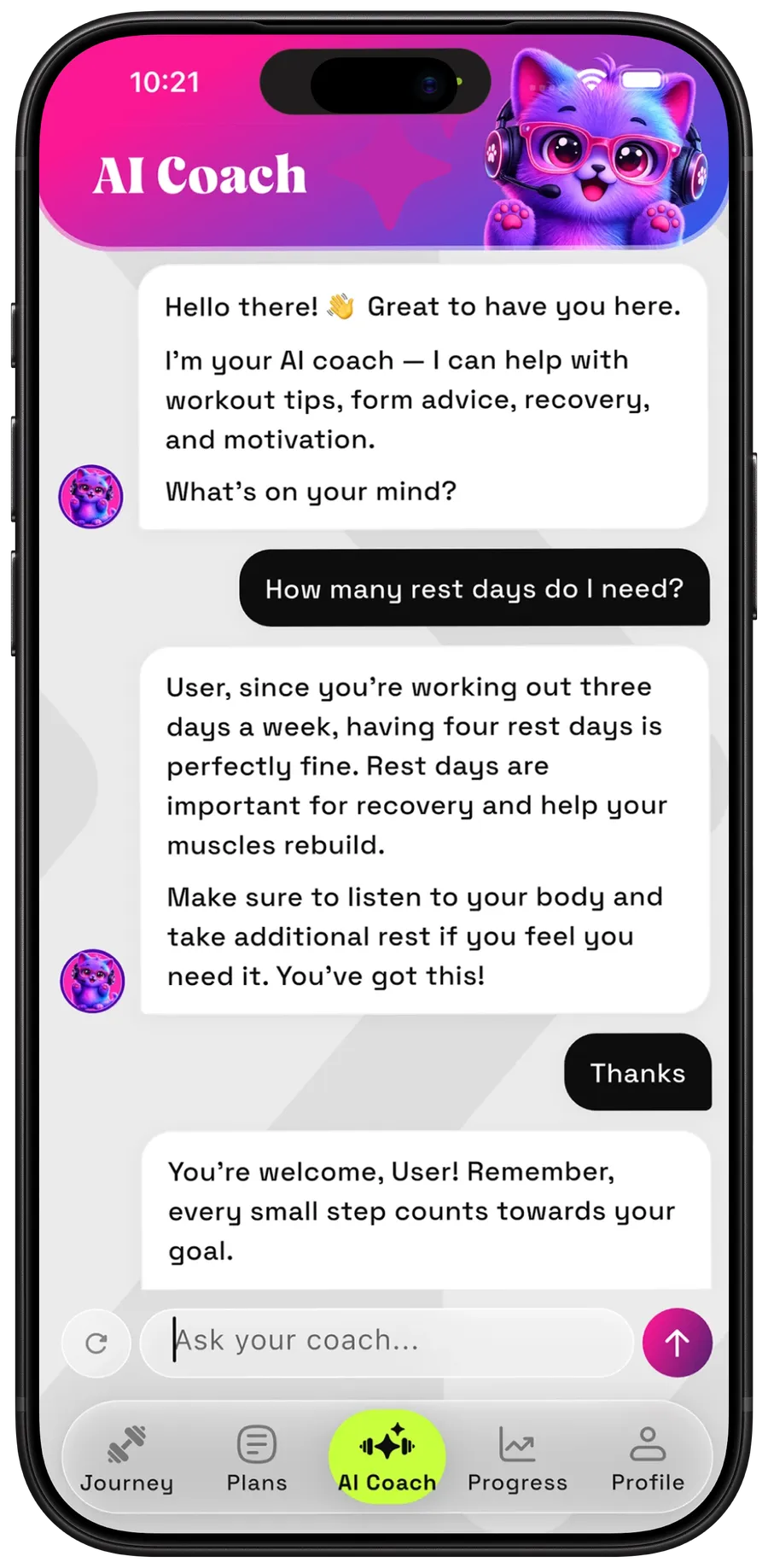
AI Coach
Unsure how many rest days you need, or how a movement should feel? The in-app coach answers training questions in plain language. It's general guidance, not medical advice.
See all featuresDuring setup you tell Dumbly how much training you've done before. Your plan starts from there, not from someone else's routine.
New to strength training, or coming back after a long break. Build confidence with the fundamental movements.
You train fairly regularly and know the main lifts. You want more structure and more variety.
You're an experienced lifter looking for demanding sessions you can complete with dumbbells alone.
Challenges
A challenge turns good intentions into a calendar. Choose the length that fits your life right now, then follow it one day at a time.
Compare challenges30days
About a month. A focused start for building the habit.
60days
Two months to make training a fixed part of your week.
120days
Four months of steady work for people ready to commit.
Consistency
The best plan is the one you keep coming back to. Dumbly is designed to make tomorrow's workout feel like the obvious next step.
Check-in days build up week by week.
A daily nudge when it's time to train.
The mascot cheers when you finish.
From the blog
Workouts you can follow today, and how to choose the right weight for every exercise.
All articlesTry this dumbbell leg workout at home: goblet squats, Romanian deadlifts, reverse lunges, and calf raises for your legs and glutes, with sets, reps, and easier options.
Read articleStart this dumbbell workout for beginners at home: four simple dumbbell exercises, beginner-friendly sets and reps, an easy first session, and tips for choosing weights.
Read articleQuick answers about equipment, workout length, fitness levels, and offline access.
Read the full FAQA pair of dumbbells. Dumbly’s workouts are designed around two dumbbells, so you don’t need a gym or machines.
You choose your preferred session length when you set up your plan. The app shows an estimated duration for each workout before you start.
Yes. Select the beginner level during setup. Each exercise includes a demonstration so you can see the movement before you do it.
Yes, you can follow your workouts offline.
Download Dumbly
Available for iPhone and iPad.